 Orbital Focus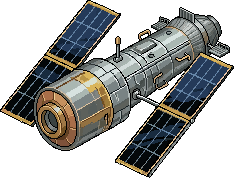
June 17, 2026 8:15 AMORBIT
CCS····· 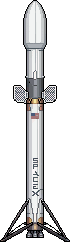 ·····LEO
·····LEOCape Canaveral25mLow Earth Orbit
Departure8:15 AM
Distance408 km
Arrival8:40 AM
“Ship the quarterly report”✦ Work
Focus timer & app blocker
Set a focus timer, block distracting apps, and stay with your work.
Make space to focus.
Free to start · No ads · No account needed
Mission Control
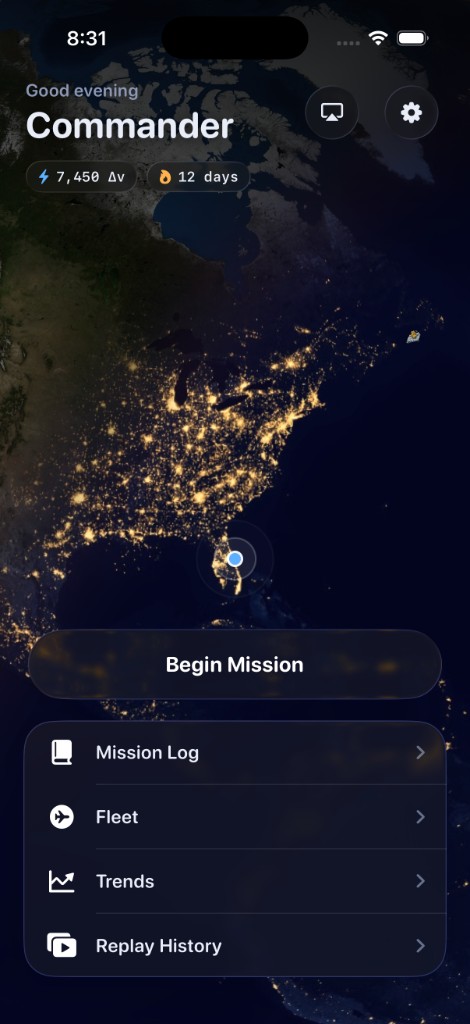
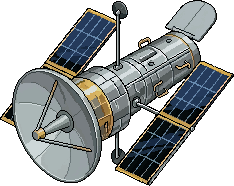
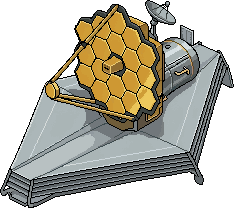
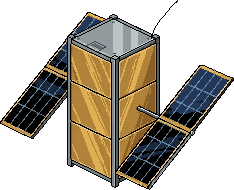
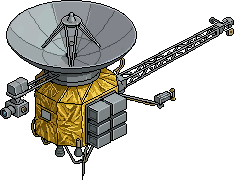
Every completed flight adds a satellite to your constellation. Watch daylight, clouds, and city lights move across the same living Earth you fly around in the app.
Advanced Insights
Find your strongest focus hours, your longest sessions, and the patterns behind your best work. See how time spent on different tasks adds up.
Ship the report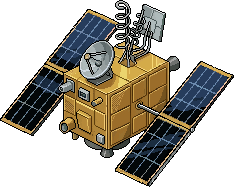 Read 30 pages
 Gym session
 Inbox zero
 Write the essay
 Run experiments
 Design mockups
 Plan the week
 Refactor moduleDeep work blockSketch ideas
 MeditateStudy sessionReply to clientsFix the bugRead papers
A living world
A beautifully rendered Earth, with raised cloud layers, swirling storms, atmospheric lighting, and cities glowing through the night.
↔ Drag to explore · Use arrow keys when focused
The Cupola
Look out at the world passing beneath your spacecraft. The app's Cupola streams satellite imagery along your flight, giving you a quiet place to pause and reset.
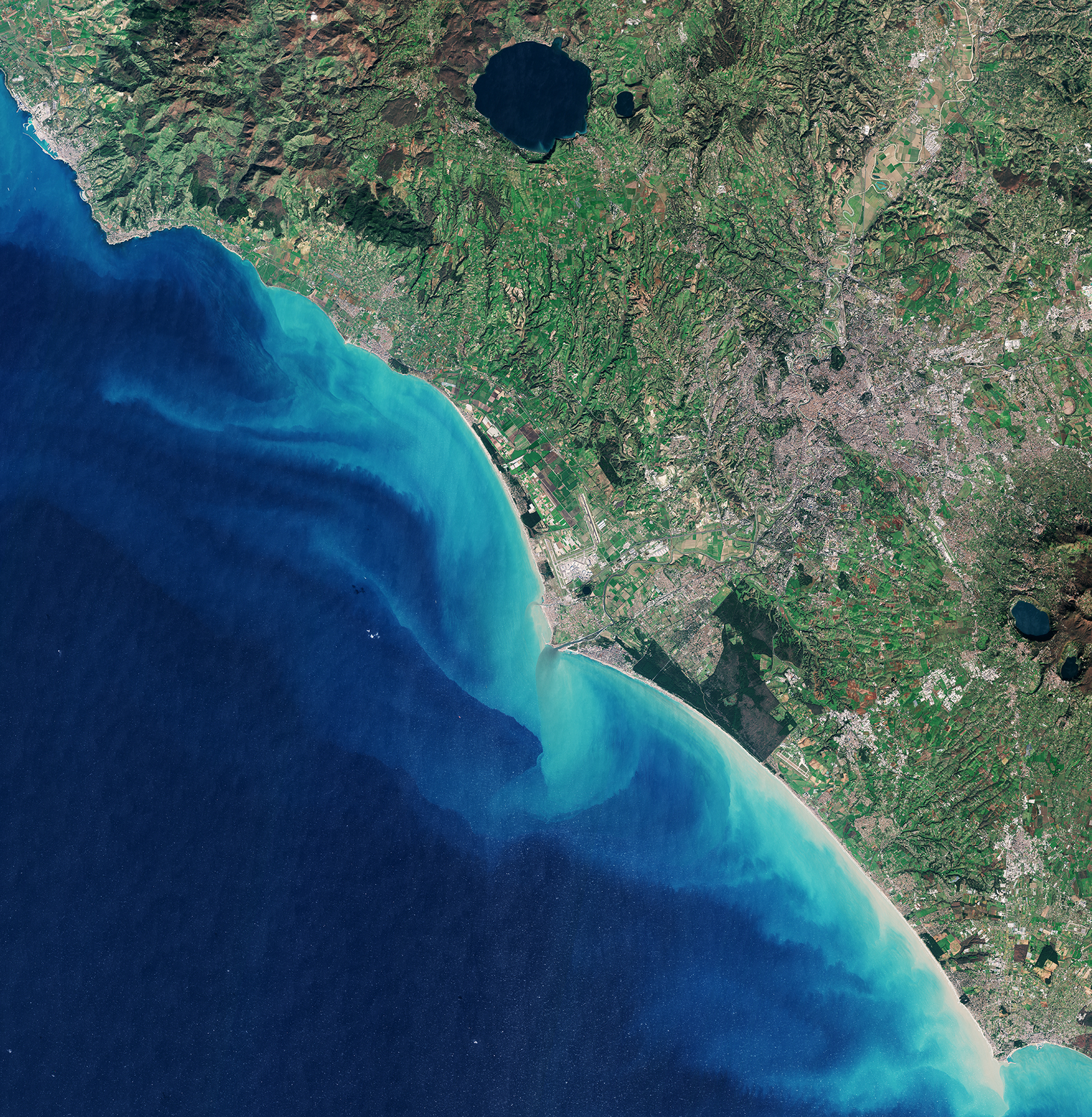 RomeFiumicino AirportOstiaTyrrhenian Sea
Your focus, recorded
Turn each finished session into something worth keeping. Revisit the task, the time, and the journey, then share it as a boarding pass, mission pass, LCD readout, or blueprint.
·····LEO ·····LEOMade with care
Beautifully crafted ships and world models to make the simple act of setting time aside to focus fun to do.
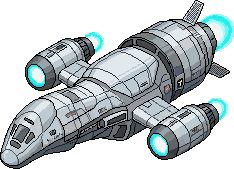 Serenity
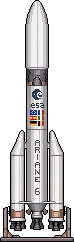 Ariane 6
 Starship
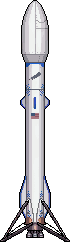 New Glenn
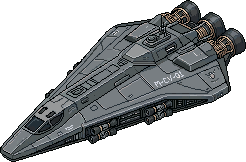 Rocinante
The Black Hole
A nagging thought. An unfinished task. Something you cannot solve right now. Write it down, send it into the black hole, and come back to what matters.
Drag to explore the black hole
Try it here. Type a thought and let the black hole take it.
Launch Lockdown
Choose the apps that pull you away from your work. Launch Lockdown shields them with Apple Screen Time while your mission flies, so you can stay with the task you chose.
App blocking is available on iPhone and iPad.Live Activities
See your destination, flight phase, and time remaining from the Lock Screen or Dynamic Island. A quick glance is all you need.
Live Activities and Dynamic Island are iPhone features.Cabin Audio
Settle into original space-ambient music made for deep work. Choose a track, add layers of white noise, and give your session a familiar sound.
 Drift Between Moons
 Tidal Lock
 Umbra
Umbra The Grid
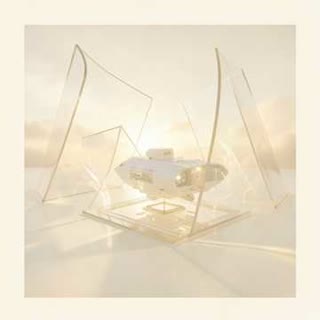 Solar Wind
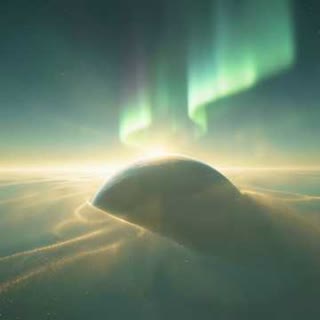 Aphelion Light
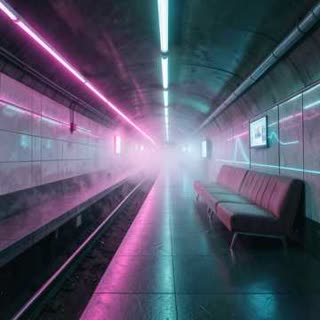 End of Line
Before you lift off
Pick a destination, choose a rocket, and name the thing you want to work on. Launch your mission and focus while your rocket travels. When you arrive, your focused minutes become progress toward your next flight.
Yes. The core focus loop is free. Optional Premium unlocks more rockets, longer sessions, flight-log features, and Advanced Insights. You can see current plans and local pricing in the app.
Yes. Launch Lockdown uses Apple's Screen Time controls on iPhone and iPad to shield the apps you select during a mission. You choose what to block and grant permission in the app.
Life happens. End a mission early and the minutes you already focused still count. You can come back and launch again when you're ready.
Yes. Missions use elapsed time, so your flight catches up when you reopen the app. You can lock your phone and get on with your work.
No account is required, and the focus timer works offline. Optional iCloud sync, purchases, satellite imagery, and the ISS tracker use an internet connection.
Still curious? Visit the Support Center
Clear the launchpad. Give your attention somewhere to go.
Free to start. Ready when you are.