← All tools Mission-ready countdowns

Free Focus Timers

Choose a duration from one minute to four hours. Every timer has a visual progress ring, start, pause, reset, keyboard controls, full-screen mode, and a local alarm.

58 durationsNo sign-upRuns locally

Quick resets

One to ten minutes for breaks, transitions, and tiny tasks.

1 minUse one minute to close stray tabs, take six slow breaths, or name the single action that starts your next task.Open timer →1 min 30 secNinety seconds fits a short speaking rehearsal, a between-set rest, or a reset before you return to a difficult page.Open timer →2 minTwo minutes is enough to send a simple confirmation, refill water, or stand and loosen your shoulders between work blocks.Open timer →3 minThree minutes suits a tea steep, a compact breathing exercise, or one careful read through a short message before sending it.Open timer →4 minFour minutes can hold four rounds of box breathing, a quick mobility circuit, or a first pass through a short checklist.Open timer →5 minFive minutes works well for a screen break, a cup of tea, a rest between strength sets, or the first rough notes on a task you have avoided.Open timer →6 minSix minutes is a useful cap for one thoughtful email, a drawing warm-up, or a brief recovery interval that should not drift.Open timer →7 minSeven minutes fits a desk reset, a short workout circuit, or a quick pass that turns scattered notes into three priorities.Open timer →8 minEight minutes gives you room for a mobility sequence, a few pages of reading, or a careful review of one small work item.Open timer →9 minNine minutes suits a fast brief review, one language-practice round, or the first pass through a problem before deeper work.Open timer →10 minTen minutes is long enough for a short walk, a real screen break, a focused review of flash cards, or a first attack on a task with high friction.Open timer →

Short focus blocks

Eleven to twenty-four minutes for warm-ups and bounded work.

11 minEleven minutes is handy when a calendar gap is too short for a full sprint but long enough to make one clean piece of progress.Open timer →12 minTwelve minutes can hold a focused article read, a music practice segment, or a quick plan for the next hour.Open timer →13 minThirteen minutes is an intentionally specific boundary for drills, interview answers, or a task that always expands when given a round number.Open timer →14 minFourteen minutes splits neatly into two seven-minute passes: make something first, then review it with fresh eyes.Open timer →15 minFifteen minutes works for a restorative break, one compact admin task, or the first focused pass on a larger project.Open timer →16 minSixteen minutes is enough to clear a tightly defined admin queue, rehearse a short presentation twice, or review a small set of notes.Open timer →17 minSeventeen minutes makes a practical meeting preflight: read the agenda, inspect the key document, and write the decision you need.Open timer →18 minEighteen minutes can produce a rough introduction, one worked example, or a meaningful pass through a dense reading assignment.Open timer →19 minNineteen minutes is useful for a task you keep postponing because it feels too small to schedule and too annoying to begin.Open timer →20 minTwenty minutes gives a small project room to breathe while staying short enough for a busy afternoon or a focused study rotation.Open timer →21 minTwenty-one minutes divides into three seven-minute rounds for drafting, checking, and polishing one small deliverable.Open timer →22 minTwenty-two minutes is a good review block for a small pull request, a short essay section, or a limited set of practice questions.Open timer →23 minTwenty-three minutes fits an editing pass or a problem that needs more than a quick glance but less than a full Pomodoro.Open timer →24 minTwenty-four minutes offers a near-Pomodoro work block with a built-in minute of buffer before a half-hour calendar boundary.Open timer →

Classic work sprints

Twenty-five to thirty-nine minutes for study, drafting, and practice.

25 minTwenty-five minutes is the classic Pomodoro work interval: long enough to settle into one task, with a five-minute break commonly used afterward.Open timer →26 minTwenty-six minutes gives a standard focus sprint one extra minute for setup or a final note, which helps when the work has a precise handoff.Open timer →27 minTwenty-seven minutes works for issue triage when you need to sort, reproduce, and choose the next action without fixing everything at once.Open timer →28 minTwenty-eight minutes divides into four seven-minute rounds, useful for sketching four options or repeating one focused practice drill.Open timer →29 minTwenty-nine minutes fits the space before a call while preserving one minute to stand, switch context, and arrive composed.Open timer →30 minThirty minutes is a practical block for drafting a page, studying one topic, completing a workout segment, or taking a lunch break that stays on schedule.Open timer →31 minThirty-one minutes is a half-hour work block with one deliberate minute for a launch checklist or a clean written handoff.Open timer →32 minThirty-two minutes supports two sixteen-minute passes, one to build the result and one to test or revise it.Open timer →33 minThirty-three minutes is enough for a compact reading packet when the goal is a decision, not perfect recall of every sentence.Open timer →34 minThirty-four minutes fits one design slice, such as correcting a single screen state instead of reopening the whole product.Open timer →35 minThirty-five minutes gives a draft section or study topic enough space for momentum without committing the rest of the morning.Open timer →36 minThirty-six minutes divides into three twelve-minute rounds for practice, feedback, and one improved attempt.Open timer →37 minThirty-seven minutes suits a dense chapter section or analysis task that needs sustained thought but must fit inside a larger day.Open timer →38 minThirty-eight minutes can hold a careful reconciliation of one report, account, or data slice without turning into an open-ended audit.Open timer →39 minThirty-nine minutes is useful for simulating a timed exam section or completing a practice set under a firm constraint.Open timer →

Long focus blocks

Forty to ninety minutes for demanding work with recovery afterward.

40 minForty minutes supports a serious study block, a writing section, or a workout segment while leaving room for recovery inside an hour.Open timer →41 minForty-one minutes fits a small feature or revision when the desired behavior is already clear and the scope can stay narrow.Open timer →42 minForty-two minutes can become six seven-minute rounds for drills, alternatives, or a structured review of six comparable items.Open timer →43 minForty-three minutes is enough to clean one document deeply, checking structure, claims, links, and obvious errors in a single pass.Open timer →44 minForty-four minutes gives you a forty-minute focus run plus four minutes to package the result before the hour changes.Open timer →45 minForty-five minutes is a substantial focus block for writing, design, study, or a careful review that should produce a visible result.Open timer →46 minForty-six minutes offers a full forty-five-minute work block and one extra minute for a concise handoff note.Open timer →47 minForty-seven minutes is a useful cap for reviewing a medium pull request, problem set, or draft without letting review become a rewrite.Open timer →48 minForty-eight minutes divides into four twelve-minute phases for research, drafting, checking, and packaging one result.Open timer →49 minForty-nine minutes creates seven seven-minute rounds, a useful structure for repeated drills or seven items that need equal attention.Open timer →50 minFifty minutes is a common long focus block that leaves ten minutes in the hour for movement, water, and a mental reset.Open timer →55 minFifty-five minutes fits a class, workshop segment, or deep work session while preserving five minutes before the next hour.Open timer →60 minSixty minutes supports a full class, study session, creative block, or one-hour project slice with enough room for setup and a real result.Open timer →75 minSeventy-five minutes works for a long chapter, a substantial draft, or a practice session that needs both repetition and review.Open timer →90 minNinety minutes is often used as a long deep-work or ultradian block, but it is a planning convention rather than a biological rule that fits everyone.Open timer →

Extended session clocks

Two to four hours for exams, workshops, events, and studio windows.

Choose the shortest block that fits the work

A timer is useful when it turns a vague intention into a start and a stopping point. Pick five or ten minutes for a reset, 25 minutes for a Pomodoro-style sprint, 45 or 60 minutes for substantial work, and 90 minutes only when the task has enough depth to justify a long session.

These pages use elapsed clock time, so the countdown catches up after normal browser throttling. Keep the tab open and check your device volume if the alarm matters. For multi-hour sessions, plan water and movement breaks instead of treating the overall clock as a reason to stay seated.

Focus with a destination

Make the next block a mission.

Orbital Focus turns fixed focus times into launches, destinations, streaks, and a flight log.

Open Orbital Focus

Read more

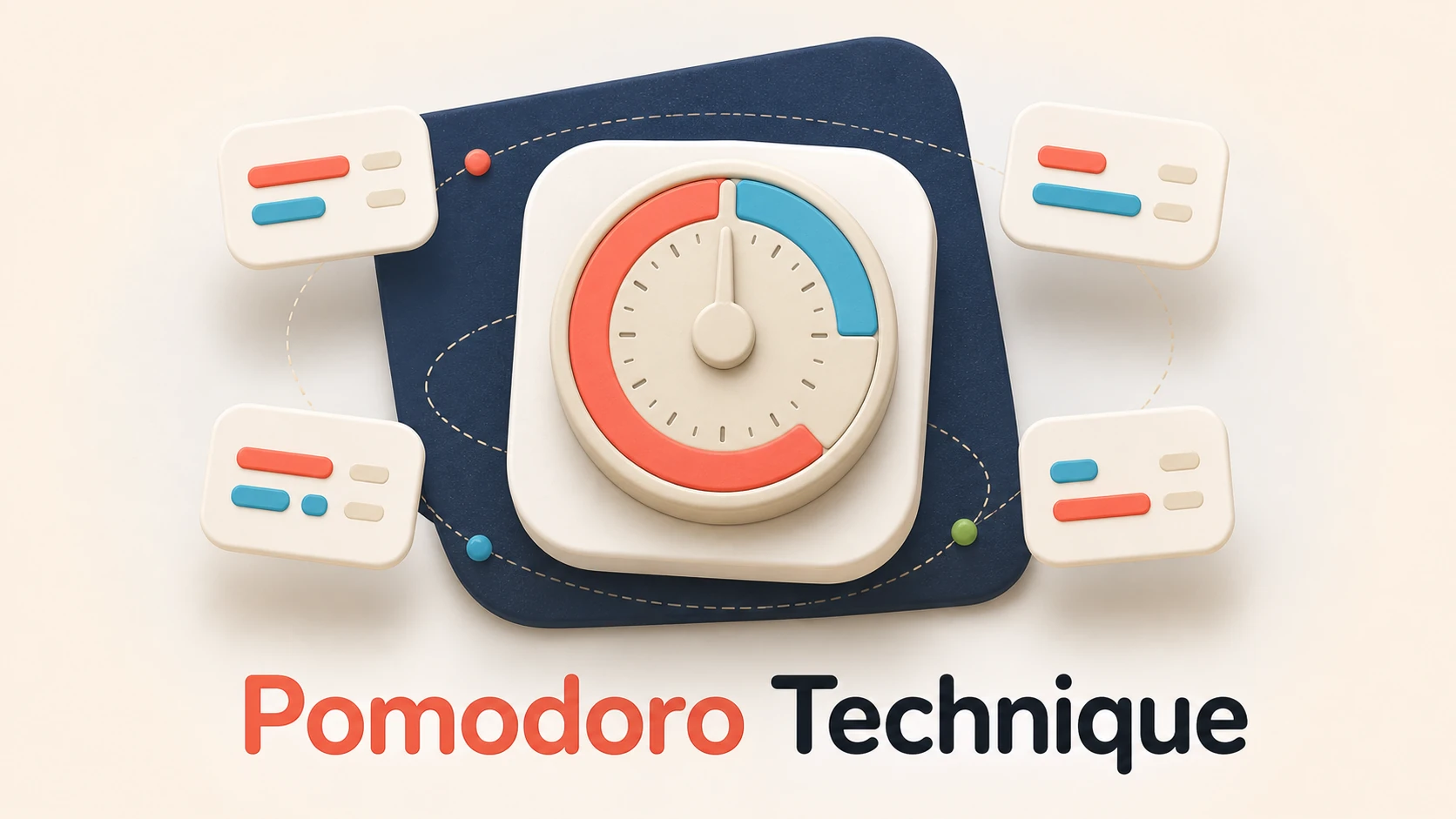
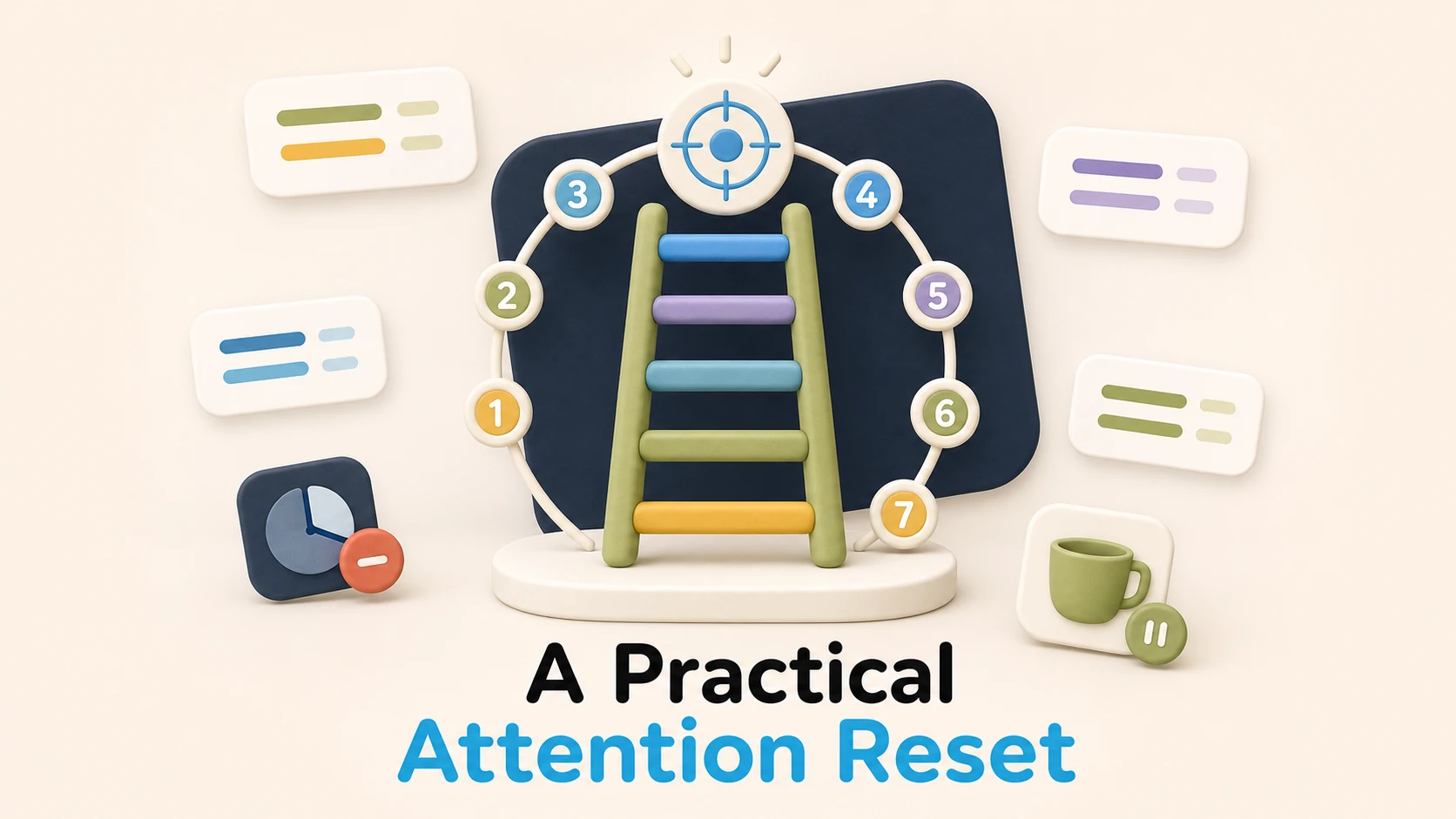
Attention Span TestTry a 2.5-minute response task and review your misses, false alarms, and response consistency.25 Minute TimerOpen a visual countdown set for 25 minutes, with pause, reset, keyboard controls, and an alarm.The Pomodoro TechniqueThe classic cycle is simple: choose a task, work for 25 minutes, break for 5, and take a longer break after four rounds. The useful part is the visible finish line, not obedience to one sacred number.How to Fix Your Attention SpanAttention is not a single score you repair once. It is a behavior you can make easier with fewer cues, smaller starts, and blocks that grow only when you are ready.
Orbital Focus support

Need a hand?

Find quick answers for planning a mission, Launch Lockdown, purchases, and keeping your focus record safe.

Visit Support
Turn focus into spaceflight

Give your next focus block a destination.

Pick a mission length, launch, and keep distracting apps sealed until you arrive.

Download Orbital Focus

Make space to focus.
Free on iPhone and Android.

Download on theApp Store GET IT ONGoogle Play