 Orbital Focus
Orbital Focus 1.0.4
Write down what is in the way, send it into a black hole, and leave without the words being saved or sent.
 By Chris HabibUpdated 3 min read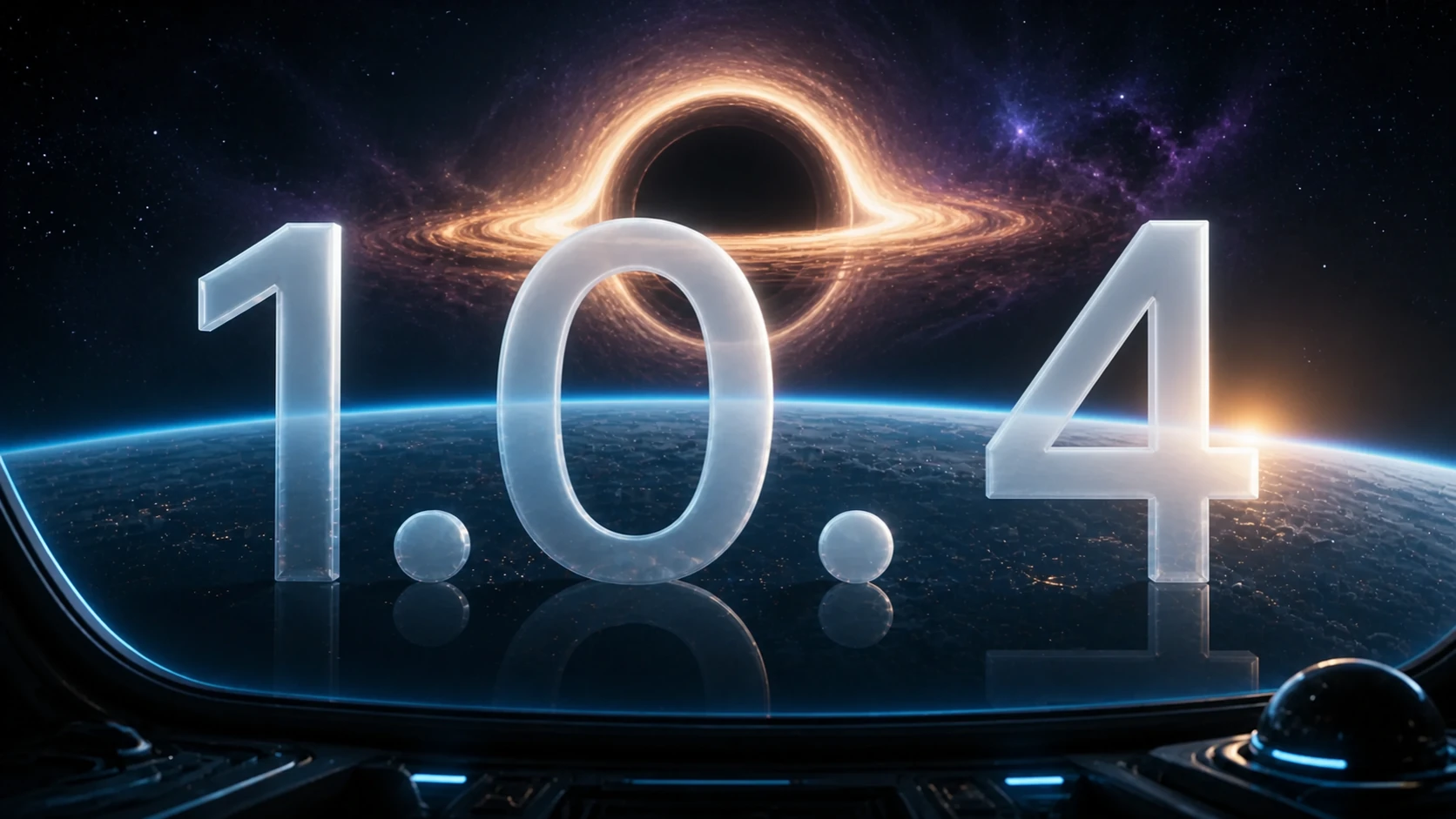
Orbital Focus 1.0.4 adds a private Stress Release exercise and a set of smaller navigation, haptic, audio, localization, and reliability improvements. The version is live on the US App Store as of August 25, 2026.
Send the thought into a black hole
Stress Release gives you a place to write the thought that is crowding the next focus block. When you are ready, send it into a black hole and watch it disappear.
The privacy boundary is simple: the words are processed locally, are never saved, and are never sent anywhere. This is a brief reflective exercise, not mental-health treatment or crisis support.
A 60-second release card
- Write the thought in one plain sentence.
- Name the next action that is still under your control.
- Send the sentence into the black hole.
- Start the smallest useful focus block.
If writing increases distress or the problem needs action from another person, stop the exercise and use the appropriate human support. Do not discard information needed for safety, care, or a real decision.
Haptics and sound now react to the moment
The black hole responds with reactive haptics and ambient sound. Version 1.0.4 also includes a mute control, so the exercise can stay quiet when sound is not appropriate.
Replay History moved to Hangar
Replay History now lives in Hangar. The update also tightens close controls and navigation so it is easier to leave the new experience and return to the mission flow.
Reliability and localization
The release includes localization and reliability improvements alongside the visible Stress Release work. The public App Store version history is the source of record for the shipped summary.
Want a duration before launching? Use the 25-minute timer or choose a pattern in the Pomodoro technique guide. The best focus apps comparison explains where a fixed Orbital Focus mission fits beside schedulers, physical blockers, body doubling, and ambient timers.
Source
- Orbital Focus on the US App Store, version and in-app purchases checked August 25, 2026.
Found a release-note error? Email habib225@gmail.com. Open Orbital Focus 1.0.4.

Update Orbital Focus on your iPhone.
Install the latest release to get the newest mission improvements.
 How to Brain Dump
 25 Morning Routine Ideas
 The 8 Best ADHD Focus Apps
 The 7 Best iPhone App Blockers