 Orbital Focus
How to Block YouTube and Shorts Without Blocking the Rest of Your Phone
YouTube now lets you set the Shorts feed limit to zero, but its own help page says the reminder can be dismissed. If you need a real focus block, control the app and website paths too.
 By Chris HabibUpdated 9 min read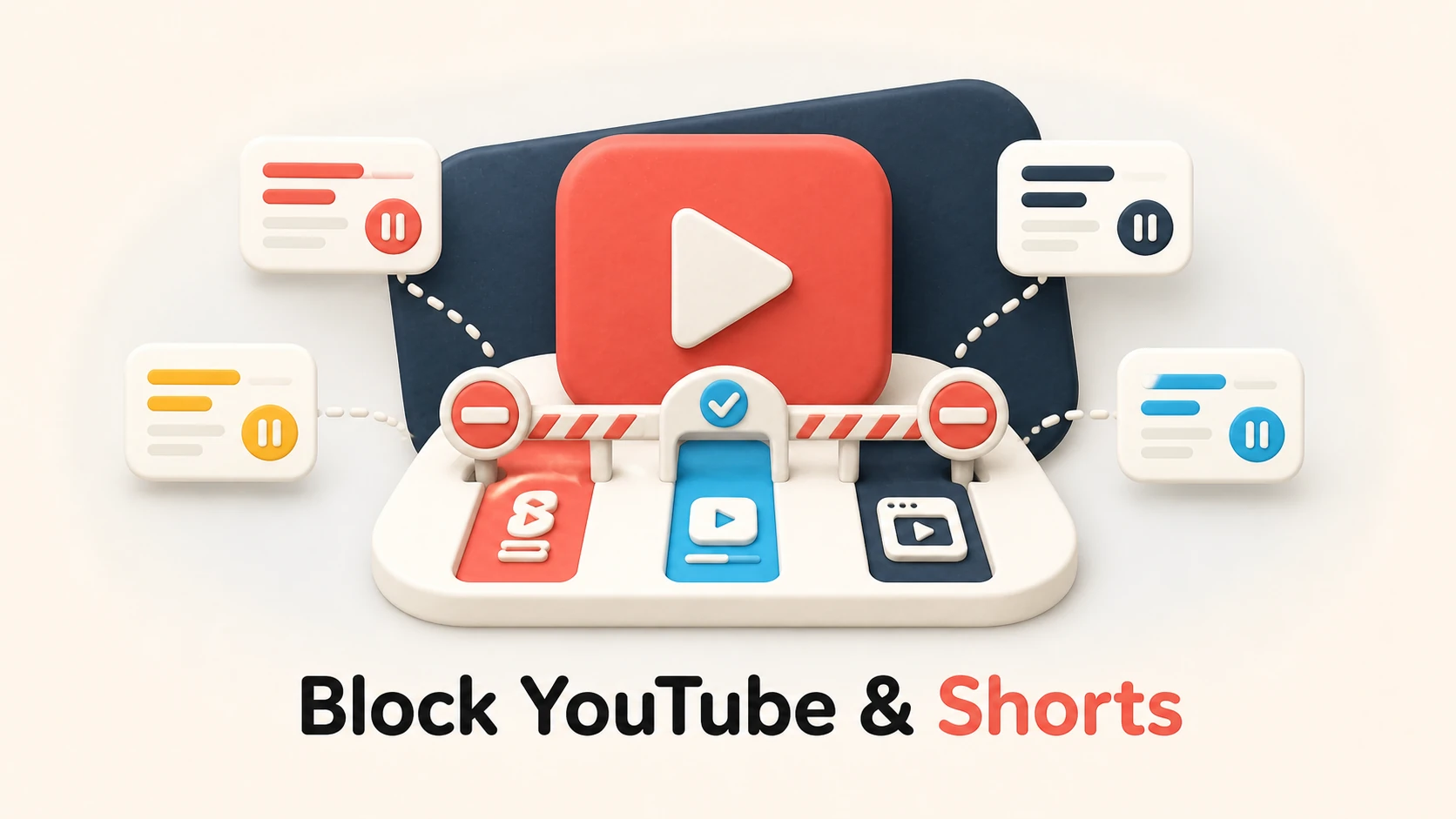
The bottom line
For a softer nudge, set YouTube's Shorts feed limit to zero and choose Show fewer Shorts. For a protected work block, shield the YouTube app and block youtube.com in every browser you use. Keep an allow-list for required course or work videos.
YouTube has three separate distraction paths: the Shorts feed, the full app, and youtube.com in a browser. YouTube's own controls can make Shorts less prominent and now let you set a zero-minute Shorts feed limit, but the maker says that reminder can be dismissed or ignored. A hard focus block has to control the app and website paths too.
Choose how much YouTube to keep
| Goal | Best starting control | What remains available |
|---|---|---|
| See fewer Shorts recommendations | Show fewer Shorts | Long videos and search remain |
| Get a reminder as soon as Shorts starts | Shorts feed limit: 0 minutes | The reminder can be dismissed |
| Pause the full app for one focus block | Screen Time, Digital Wellbeing, or session blocker | Browser YouTube unless separately blocked |
| Make YouTube unavailable across paths | Block the app and youtube.com | Only explicit exceptions, if the blocker supports them |
If you need one lecture or tutorial, save the exact URL before blocking anything. The purpose is to remove the feed, not to make required work impossible.
Step 1: Set the Shorts feed limit to zero
Google's current YouTube Help instructions say:
- Open the YouTube app and tap You.
- Open Settings > Time management.
- Tap Shorts feed limit.
- Choose 0 minutes.
When the limit is reached, YouTube displays a reminder. Its help page explicitly says you can dismiss or ignore that reminder. Treat it as a cue, not a lock.
Step 2: Ask YouTube to show fewer Shorts
On the Home feed, find a grid of Shorts, open the menu above it, and tap Show fewer Shorts. Google says this reduces Shorts recommendations on pages such as Home and Watch Next. It is a recommendation preference, not a permanent removal of the Shorts feature.
These first two steps are useful when you still need subscriptions, search, or long videos and can act on a reminder. If the reminder becomes another reflexive tap, continue.
Step 3: Block the YouTube app
On iPhone, use Settings > Screen Time > App Limits > Add Limit, expand the relevant category, and select YouTube. For a scheduled window, use Downtime and make sure YouTube is not in Always Allowed. The full current paths and iOS 26 screenshots are in how to block apps on iPhone.
On Android, open Settings > Digital Wellbeing & parental controls. Use an app timer for a daily budget or add YouTube to Focus mode for a scheduled pause. Exact labels can vary by phone maker.
For a fixed session on Apple devices, a Screen Time-based focus app can shield YouTube for the duration. Test the 30-minute timer first if you are not sure how long the block should be.
Step 4: Block youtube.com too
Removing the app does not close the browser route.
On iPhone and iPad:
- Open Settings > Screen Time > Content & Privacy Restrictions.
- Open App Store, Media, Web, & Games > Web Content.
- Choose Limit Adult Websites.
- Under Never Allow, add
youtube.com. - Test common YouTube URLs in every installed browser.
On supported Android phones, Digital Wellbeing can set a Chrome site timer. On a desktop, use a maintained browser extension for a light rule or a system-level blocker if switching browsers is your escape route. Google's URLBlocklist instructions apply to administrator-managed Chrome, not an ordinary personal profile.
The website-blocking guide covers those platform differences and subdomain testing.
Keep required videos without reopening the feed
Use this course-video card:
- Required URL: save the exact video before the block.
- Outcome: write the note, problem set, or decision the video supports.
- Entry: open the saved URL, not the Home page.
- Autoplay: turn it off when the account setting is available.
- Exit: close the tab when the named outcome is complete.
- Fallback: download or request an approved offline copy when rights and course access permit it.
Not every blocker supports a single-video exception reliably because YouTube pages share domains and resources. Test before a class or meeting. If the exception fails, use a separate device or time window for required viewing rather than dismantling the whole rule mid-session.
Frequently asked questions
How can I block YouTube completely?
Block both paths: the YouTube app and youtube.com in every browser you use. On iPhone, Screen Time or a Screen Time-based blocker can shield the app, while Screen Time's Web Content list can block the domain. On desktop, use a system-level blocker if changing browsers is your usual escape route. A block is only as complete as the devices included.
Can you block YouTube on a browser?
Yes. On iPhone and iPad, add youtube.com to Screen Time's Never Allow list. Android Digital Wellbeing can set a daily site timer for YouTube in Chrome on supported phones. Desktop Chrome needs an extension, system-level blocker, or an administrator-managed URLBlocklist policy.
How do I disable YouTube Shorts on my iPhone?
YouTube's current iPhone app offers Settings, Time management, Shorts feed limit, including a zero-minute option. The limit shows a reminder that can be dismissed or ignored, so it is not a hard disable. You can also choose Show fewer Shorts from a Shorts grid on the Home feed. For a hard focus block, shield the full YouTube app for the session.
How do I block YouTube Shorts in Chrome?
Chrome and YouTube do not provide a standard personal setting that removes only Shorts everywhere. A browser extension can hide Shorts routes and shelves, but extension behavior changes with YouTube's interface. If reliability matters more than keeping long videos available, block youtube.com during the focus period and save required videos to an allow-list in a blocker that supports exceptions.
Sources and version notes
- YouTube Help: Set a Shorts feed limit, checked August 25, 2026.
- YouTube Help: Manage your recommendations and search results, including Show fewer Shorts, checked August 25, 2026.
- Google: Digital Wellbeing controls, checked August 25, 2026.
- Apple: Block apps and websites on iPhone, checked August 25, 2026.
YouTube changes its interface frequently. Send a changed path and app version to habib225@gmail.com. Ready to protect one fixed block? Start an Orbital Focus mission.

Give your next focus block a destination.
Pick a mission length, launch, and keep distracting apps sealed until you arrive.
 Apollo 11 Quiz
 Apollo 12 Lightning Strike
 Focus Science Quiz
 One-Minute Mental Reset