 Orbital Focus
The 8 Best ADHD Focus Apps in 2026, Chosen by the Job They Do
An app can show time, split a task, repeat a reminder, add a work partner, or block a feed. Those are different jobs, and ADHD does not turn them into one problem.
 By Chris HabibUpdated 13 min read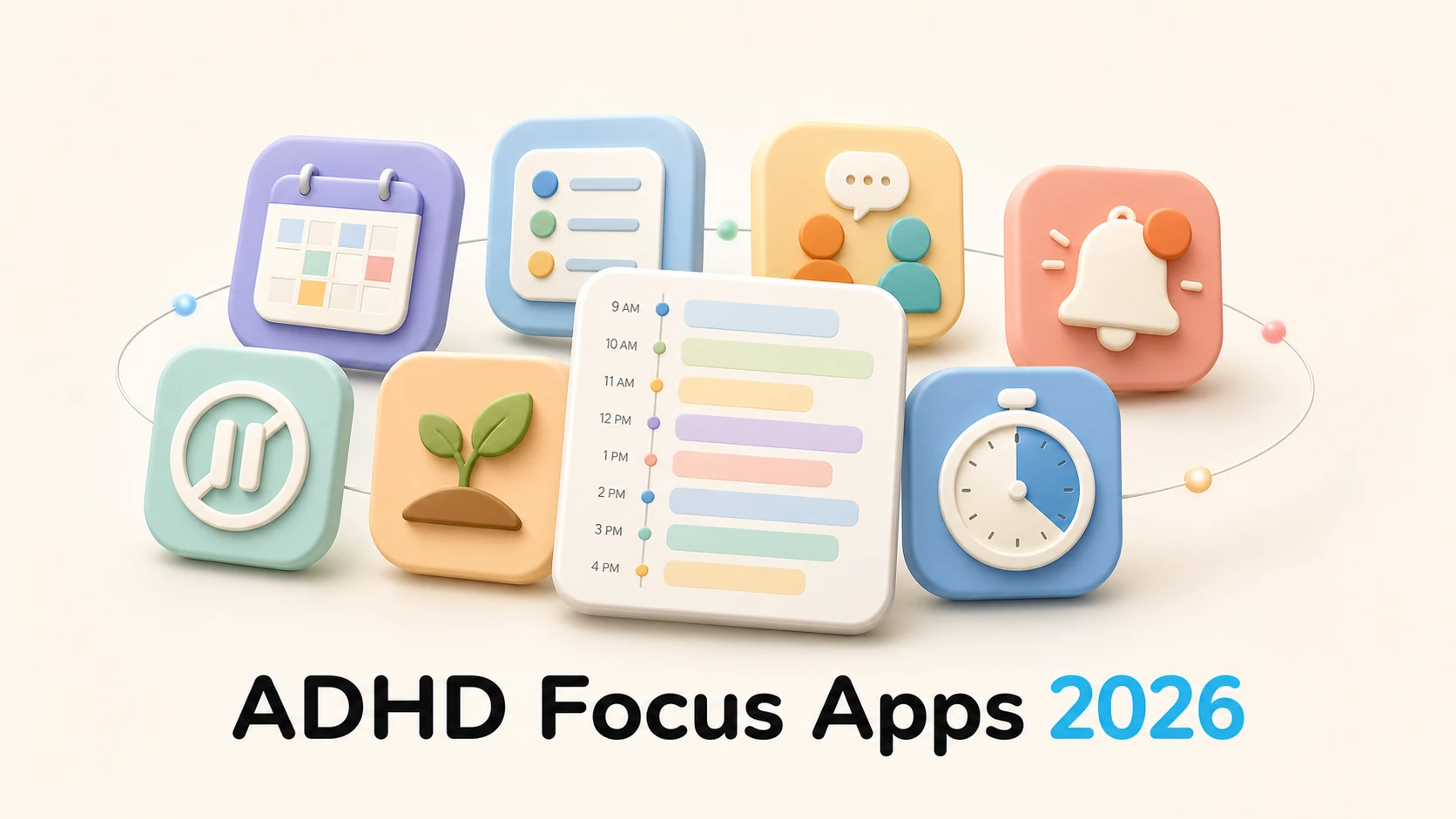
An ADHD app can show time, split a task, repeat a reminder, add another person's presence, interrupt a feed, or create a fixed finish line. Those are different jobs. No single download covers every way attention, planning, starting, working memory, and follow-through can become difficult.
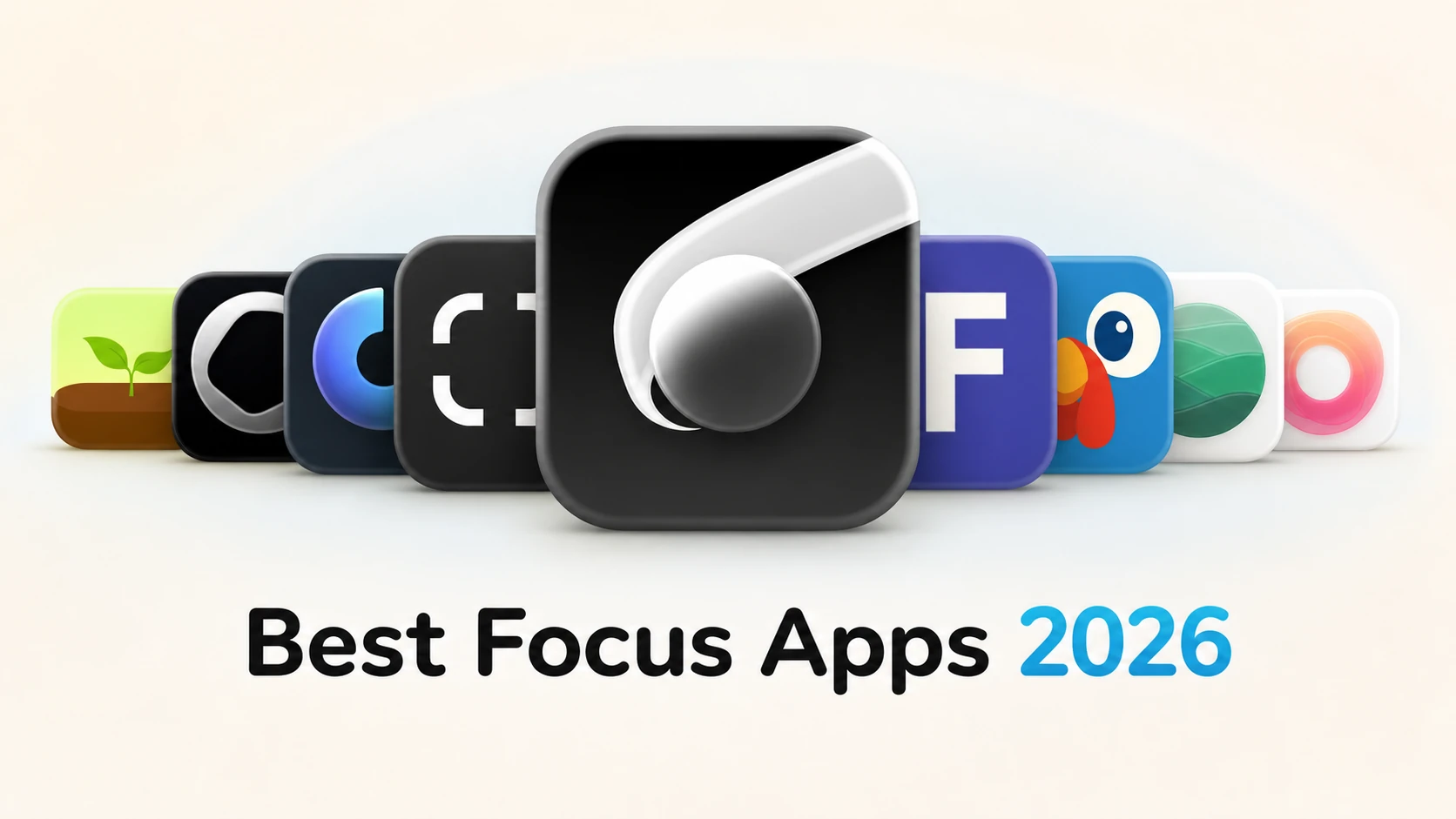
This guide starts with the job. Tiimo wins visual planning, Structured wins the single daily timeline, Goblin Tools wins task breakdown, Focusmate wins body doubling, Due wins persistent reminders, one sec wins the pause before a distracting app, Forest wins a growing visual reward, and Orbital Focus wins a fixed gamified session.
Health and research disclosure
This is a source-based product comparison, not medical advice and not a completed fresh hands-on test of all eight apps. We checked first-party sites, help centers, pricing pages, and US App Store listings on August 25, 2026. Red Honey makes Orbital Focus and publishes this guide. An app cannot diagnose or treat ADHD by itself.
Match the app to the job
| Pick | Category win | Core external support | Price checked August 25, 2026 |
|---|---|---|---|
| Tiimo | Neurodivergent-first visual planner | Visual schedule and time cues | Free version; Pro price varies by checkout and App Store offer |
| Structured | Single daily timeline | Tasks and calendar events in one visual day | Free; Pro $6.99 monthly, $29.99 yearly, or $99.99 lifetime on official help page |
| Orbital Focus | Fixed gamified focus session | A mission gives the interval a visible endpoint | Free download; $2.99 monthly, $14.99 yearly, or $19.99 lifetime in the US App Store |
| Goblin Tools | Task breakdown | Turns a large task into smaller suggested steps | $1.99 iOS app; listed Pro IAPs $3.99 monthly or $39.99 yearly; free web tool also available |
| Focusmate | Body doubling | Scheduled quiet work with another person | Free for 3 sessions weekly; Plus $12 monthly or $8 monthly billed annually |
| Due | Persistent reminders | Repeats alerts until the task is marked complete or rescheduled | $7.99 iOS app in the US listing; Mac app sold separately |
| one sec | Pause before distracting apps | Deliberate interruption before opening | Free for one app; Pro $19.99 yearly on web |
| Forest | Growing visual reward | A tree and collection make completed intervals visible | Free download; listed IAPs include $5.99 monthly and $35.99 yearly early-bird plans |
Prices vary by country, tax, promotion, eligibility, and account. Tiimo's current App Store listing shows multiple plan variants rather than one universal price, so we will not pretend one number applies to every checkout.
How we compared the apps
We assigned each app one job it currently documents well:
- Planning: make the day and transitions visible.
- Breaking down: reduce the size and ambiguity of the first action.
- Starting: add another person's presence or a fixed start.
- Remembering: keep a cue alive until it is handled.
- Interrupting: place friction between an urge and an app open.
- Staying: make elapsed work and the finish line visible.
We then checked platform availability, current first-party price information, and the obvious failure mode. We did not rank apps by claiming they treat ADHD, and we did not infer hands-on experience from marketing pages.
NIMH describes ADHD as a persistent pattern of inattention and/or hyperactivity and impulsivity that interferes with daily functioning. Assessment considers history, more than one setting, and other possible causes. A rough week, an online quiz, or liking one of these apps is not a diagnosis.
The 8 best ADHD focus apps by job
Tiimo presents itself as a visual planner designed with neurodivergent people in mind. Its current site and FAQ describe a timeline, routines, visual time, to-dos, and planning support across Apple and Android devices.
The category win is the framing of the day. A conventional list says what exists; a visual timeline also shows when it fits and what comes next. That can be useful when transitions or time awareness are the main friction.
Best fit: tasks need to become a visible sequence across the day.
Watch for: start with one routine and tomorrow's real calendar. Rebuilding an entire life inside a planner before using it can become another large task.

Structured combines tasks and calendar events in one visual daily timeline. Its official help center lists a free version and clear monthly, annual, and lifetime Pro prices.
The strength is consolidation. If appointments live in one place and tasks in another, one day view can show the transition and open space between them without demanding a full project-management system.
Best fit: one chronological view would reduce missed transitions and overfilled days.
Watch for: a clean timeline cannot create hours the calendar does not contain. Leave visible buffers instead of packing every gap.
Orbital Focus turns a fixed focus interval into a space mission. You choose a destination, commit to the duration, and watch progress toward a visible endpoint. Selected apps can be shielded during the mission on supported Apple devices.
The category win is a clear finish line with a narrative attached. It fits a person who needs to begin one bounded block without first planning the whole day.
Red Honey makes Orbital Focus and publishes this guide. Its current US App Store listing shows a free download and optional monthly, yearly, and lifetime purchases.
Best fit: one visible, protected work interval is the missing support.
Start an Orbital Focus mission, or try the 10-minute timer before choosing a longer destination.

Goblin Tools' Magic ToDo can suggest smaller steps for a task, with controls for how much detail to add. The service also offers other focused utilities, while the App Store listing currently shows a paid iOS download and optional Pro plans. A free web version remains available.
The category win is turning “do the thing” into actions. Suggested steps are drafts, not instructions from someone who understands your deadline, safety constraints, or workplace. Delete irrelevant steps and add the real first action.
Best fit: the task is too large or vague to enter.
Watch for: review generated steps before following them, especially for health, legal, financial, equipment, or workplace tasks.

Focusmate schedules 25-, 50-, or 75-minute browser video sessions with another person. Participants state their intended work, work quietly, and check out at the end. Its pricing page allows three free sessions per week before Plus.
The category win is social presence. If starting alone is hard but a quiet appointment makes the task real, another timer cannot reproduce that exact cue.
Best fit: accountability and another person's presence help work begin.
Watch for: this involves another user and scheduled camera-based interaction. Read the conduct and privacy information and use the platform's safety tools.
Due is built around reminders that can keep alerting until you mark the item done or reschedule it. Its App Store description highlights Auto Snooze and reusable timers. The US iOS listing showed a $7.99 purchase when checked; the Mac app is separate.
The category win is persistence. A single alert can disappear into the notification center. Due keeps the unresolved cue active, which is useful for a time-sensitive action that must not silently vanish.
Best fit: reminders are seen and then forgotten before the action happens.
Watch for: reserve repeated alerts for items that truly deserve interruption. If everything repeats, the signal becomes noise.
one sec places a deliberate intervention before selected apps or websites. The free tier covers one app, and the web store lists Pro at $19.99 per year.
The category win is the moment between impulse and action. It does not require banning the app for the whole day. Instead, it gives an automatic open a chance to become a decision.
Best fit: one or two apps open reflexively.
Watch for: the pause is dismissible. Use a stricter session blocker if you repeatedly choose through it during important work.

Forest grows a virtual tree during a focus interval and builds a collection across repeated sessions. The App Store listing describes Allow List and Time Guard controls as well as the timer and planting loop.
The category win is a reward that accumulates visually. This can make completed intervals feel connected rather than like isolated countdowns.
Best fit: a visible collection makes repetition more appealing.
Watch for: current App Store purchases include subscription variants. Confirm the offer and decide whether the visual reward, rather than any generic timer, is the feature you will use.
Run a two-week one-job trial
Do not change the planner, blocker, timer, reminder system, and sleep schedule at once. Pick one job and record one behavior.
| Job | Measure before and during trial |
|---|---|
| Visual planning | Planned transitions started within 10 minutes |
| Task breakdown | Large tasks where a first action was written |
| Body doubling | Scheduled sessions attended and tasks begun |
| Persistent reminder | Time-sensitive actions completed before the final deadline |
| App interruption | Unplanned opens of the selected app |
| Fixed session | Planned focus blocks started and completed |
Use seven baseline days if practical, then seven days with the tool. A small personal comparison does not prove treatment efficacy, but it can tell you whether one support changes the behavior you chose.
The attention-span guide offers a similar environmental experiment. The productivity tips guide includes a one-page operating card for outcomes, first actions, and restart notes. If blocking is the main job, compare strictness in the best iPhone app blockers guide.
Frequently asked questions
What's the best app for ADHD?
There is no single best app because ADHD can affect planning, time awareness, starting, distraction, working memory, and follow-through in different combinations. Tiimo is the best visual-planning fit here, Goblin Tools is strongest for task breakdown, Focusmate for body doubling, Due for persistent reminders, and Orbital Focus for a fixed visible focus endpoint.
Do ADHD apps actually work?
They can support one behavior by adding an external cue, visual time, smaller steps, friction, or another person's presence. They do not diagnose or treat ADHD by themselves. Pick one measurable job and compare two weeks with the app against your prior baseline. Persistent symptoms that impair daily life belong in a qualified clinical assessment.
Sources and corrections
Product features and prices were checked August 25, 2026 from:
- Tiimo, Tiimo FAQ, and Tiimo on the App Store
- Structured pricing help
- Goblin Tools on the App Store and Goblin Tools on the web
- Focusmate pricing and Focusmate FAQ
- Due on the App Store
- one sec store
- Forest on the App Store
- Orbital Focus on the App Store
Health framing was checked against NIMH: ADHD in Adults, 4 Things to Know. Send factual corrections to habib225@gmail.com. Ready for one fixed visible endpoint? Start an Orbital Focus mission.

Give your next focus block a destination.
Pick a mission length, launch, and keep distracting apps sealed until you arrive.
 How to Brain Dump
 25 Morning Routine Ideas
 The 7 Best iPhone App Blockers
 The 9 Best Focus Apps in 2026