 Orbital Focus
How to Stop Doomscrolling Without Giving Up the News
Give the next news check a question, a stopping point, and somewhere to go afterward.
 By Chris HabibUpdated 10 min read
The bottom line
Name the question, check a direct source, decide when to return, and prepare one bounded next action. Keep necessary alerts and contacts available.
To stop doomscrolling, close the feed, write down what you actually need to know, and choose when you will check one reliable source again. Then do something with a visible end: send one message, make a drink, or begin one small task. You don't have to stop caring about the news to stop refreshing it.
Ownership and methodology
Red Honey publishes this guide and makes Orbital Focus. The seven-day plan below is an original organizational exercise, not a tested treatment or a promise to change a habit in seven days.
If you're scrolling right now
Put the phone down long enough to answer these three questions on paper:
- What question am I trying to answer? Write a specific question, not “What is happening everywhere?”
- Would another update change anything I need to do now? If yes, go directly to the relevant source and take that action. If not, choose a later check-in.
- What happens after I close this? Pick something you can begin without opening another feed.
For example: “I need to know whether tomorrow's class is cancelled. I'll check the university notice page at 7 p.m. Until then, I'll pack my bag.” The point is to give the check a job and a finish line.
No specific question? You don't need to invent one to justify closing the feed. Write “No update would change my next action,” put the phone face down, and choose one bounded alternative from the table below. If you still want a general news check, give it a later time and a stopping point, such as reading one chosen briefing rather than opening an endless feed.
If you're monitoring an immediate threat, a severe-weather warning, or someone else's safety, don't delay necessary information to follow a productivity exercise. Use the relevant official alerts and direct contact routes. This guide concerns repetitive checking when there isn't an immediate action to take.
Doomscrolling is not every minute spent online
Doomscrolling means continuing through upsetting or negative online content, often returning even when the experience feels worse. That is how Cleveland Clinic describes the pattern. Reading a necessary update, talking with friends, or enjoying a video isn't automatically doomscrolling.
Keep that distinction when measuring change. Your total screen time could rise because you called a friend for an hour while your unwanted news checking fell. Those are different uses of the same device.
For this exercise, count unwanted returns to negative-news scrolling in one chosen situation. That might be after dinner, in bed, or between study blocks. A return means reopening the upsetting-news loop after deciding to stop or outside your chosen check-in. Following the same loop into another app counts too. Don't count direct messages, enjoyable browsing you chose, or urgent checks you genuinely need to make.
Make a news-checking exit card
Use this before your next planned check. Download the plain-text worksheet, print it from a text editor, or copy the table into a note. There is no signup, and the worksheet doesn't send anything anywhere.
On a narrow screen, swipe tables sideways to read every column. With a keyboard, focus the table and use the arrow keys. The downloadable worksheet is an alternative to reading the tables on your phone.
| Decision | Fill this in |
|---|---|
| The question I need answered | One specific question |
| The source I will check | A named source or direct page, not an entire feed |
| What would require action | A concrete change, such as a cancellation or official instruction |
| My stopping point | When the question is answered, or at my chosen time boundary |
| If there is no new answer | Close it and check again at a specific time |
| My next check | A time that fits the situation |
| What I will do after closing | One action with an obvious beginning and end |
| What must remain reachable | Important people, work duties, accessibility tools, and safety alerts |
Don't turn finding the perfect source into another research project. Choose a relevant, accountable source that can answer your question. For local safety information, that might be the responsible public agency. For course changes, use the institution rather than a comment thread.
Your time boundary is a convenience, not a scientific dose. Five or ten minutes may suit a routine update; an important practical decision may require longer. Stop because the purpose is finished, not because you have reached a prescribed amount of worry.
A seven-day plan, one situation at a time
Choose a situation you encounter regularly. Keep the scope narrow enough that you can actually remember what happened. This is a personal planning exercise, not an experiment that can prove which intervention caused a change.
| Day | What to do | What to record |
|---|---|---|
| 1 | Notice your usual checking in the chosen situation. You may stop whenever you want; don't scroll extra for a baseline. | Approximate unwanted returns to negative-news scrolling and what you originally opened the phone to do |
| 2 | Fill out an exit card before a planned news check. | Whether you stopped at the planned point; if not, where the plan broke |
| 3 | Remove one recurring entry point, such as a nonessential news alert. | Which cue you changed and whether you missed anything necessary |
| 4 | Put a replacement within reach before the situation starts. | Whether it was available when you closed the feed |
| 5 | Check for substitution: browser feeds, another app, or another device. | Where the checking moved, if anywhere |
| 6 | Use your plan during an ordinary disruption, without deliberately creating one. | What needed adjusting, such as a late shift or a different contact route |
| 7 | Review the week and choose what to keep. | One helpful boundary, one unhelpful restriction, and the next review date |
Use a tally on paper if logging on the phone draws you back in. Estimates are enough. Don't write down private news concerns or other people's information in a shared document.
Compare days with similar demands. A breaking-news day and a quiet Sunday aren't equivalent. Look for a useful pattern rather than a perfect downward line. Keep a change if it helps you stop where you intended without making necessary communication harder. Drop or adjust it if it only moves the checking elsewhere.
Choose a replacement that fits the reason you opened the feed
“Do something productive” is a poor instruction when you're tired. The next action can be rest, contact, or a small piece of work. It doesn't have to earn its place by producing something.
| What you're looking for | Try a bounded alternative | Make it ready first |
|---|---|---|
| A concrete update | Check one direct source and write the next check time | Bookmark the relevant page |
| Contact with someone | Send one person a message or arrange a call | Decide who you want to contact |
| A break after work | Make a drink, sit outside if practical, or listen to one chosen track | Put the mug, chair, or track within reach |
| A way into a difficult task | Open the document and write one rough sentence | Leave the file open to the correct place |
| Somewhere to put unresolved tasks | Capture a short list, then choose one next action | Keep paper nearby |
These are options to try, not a claim that each behavior has one psychological cause. If the replacement feels like a punishment, choose a different one.
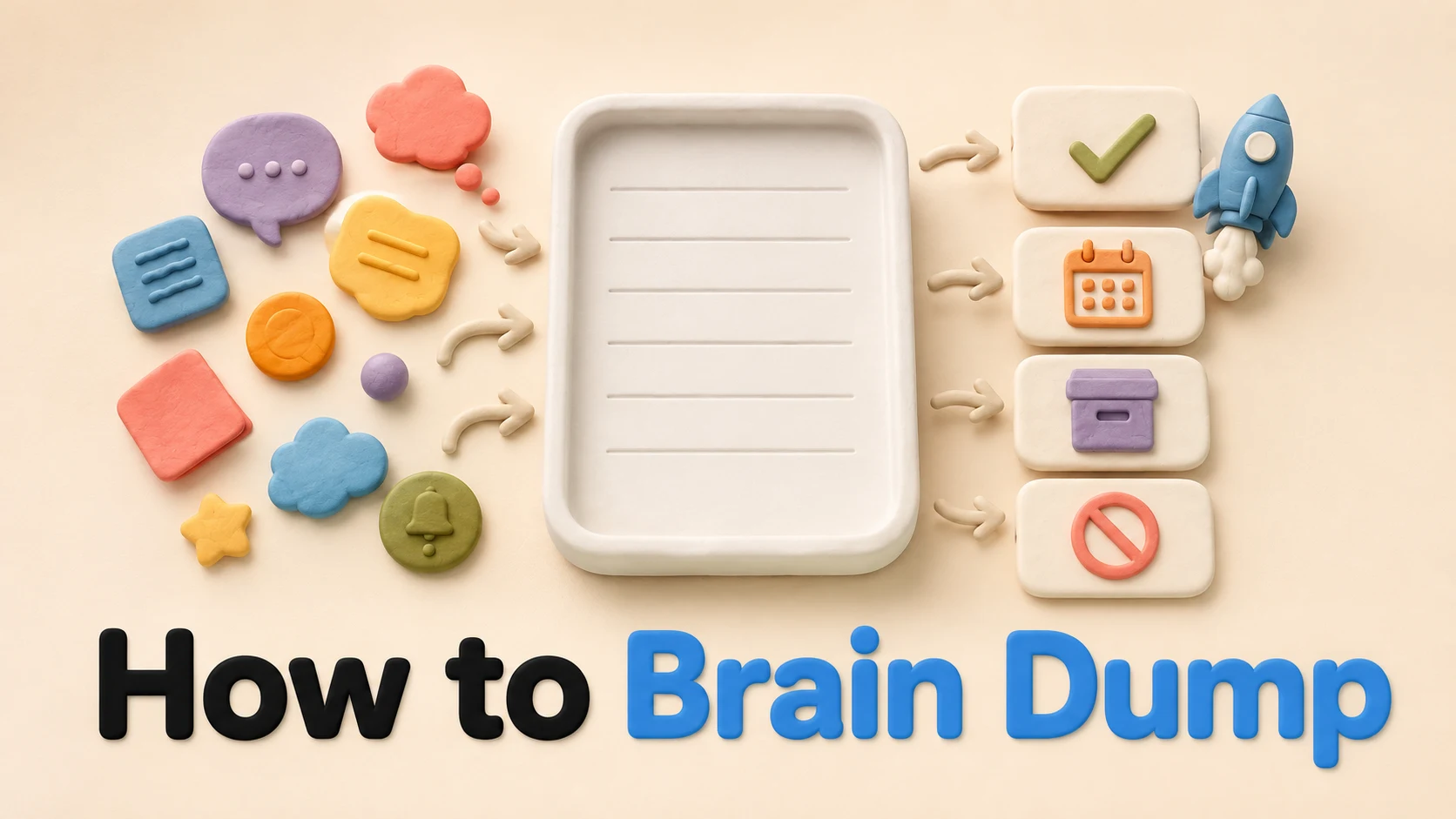
For a crowded task list, the brain dump worksheet covers sorting obligations. For the work that follows, the Pomodoro guide explains timed work and breaks. Neither needs to become a new system you maintain all evening.
Change the phone setting that matches the entry point
Start with the cue you observed, not every setting on the device. The instructions below were checked against first-party documentation on September 18, 2026; labels can vary with software version and device. These instructions were not tested hands-on for this guide.
On iPhone: review the news app's alerts
Open Settings > Notifications, then choose the app. Apple's notification guide describes turning its notifications on or off and changing delivery settings. Scheduled Summary can collect selected apps' notifications for scheduled delivery.
Choose only nonessential alerts. Don't put a channel you rely on for timely safety or work information into a delayed summary. Changing notification delivery doesn't prevent you from opening the app yourself. If opening it remains the problem, our iPhone app-blocking guide explains a separate set of controls.
On Android: review usage, then choose a boundary
Google's Digital Wellbeing guide explains how to view app usage and set daily app timers in Settings. When a timer runs out, the app closes and its icon dims. Timers reset at midnight; Google also explains how to delete a timer to use the app again.
That makes the timer an adjustable boundary, not proof that access is impossible. Availability and settings vary, and some work or school accounts may not work with app timers. Pick a limit that leaves room for required use. If you repeatedly remove it, record what you needed at that point instead of simply setting a harsher limit tomorrow.
Worked example: keeping the news, losing the repeated checks
This is an illustrative example, not a customer story or a measured result.
Sam checks news after dinner, then returns to the same story while trying to prepare a presentation. The phone is also needed for a family call, so leaving it switched off all evening isn't workable.
Sam's exit card says:
- Question: Has the local transit agency announced a service change for my route tomorrow?
- Source: The agency's service-alert page.
- Action threshold: A change affecting my route means I plan an alternative journey.
- Stop: Once I've checked that page and dealt with any relevant alert.
- No new answer: Check at 7 a.m., unless an official alert requires action sooner.
- After closing: Put the three slide headings on paper.
- Keep available: Family calls and the transit alerts I actually need.
If Sam closes the news app but immediately searches the same story in a browser, the plan hasn't solved that return. The next adjustment is to name the unanswered question and its next check time, not to celebrate lower usage in one app.
If the presentation feels too large, Sam can write one heading rather than all three. If rest is what is needed, the next action can be making tea instead. The exit card doesn't require replacing every unwanted scroll with work.
For a different case, imagine Lee scrolling through alarming headlines without needing a local update. Lee writes “No actionable question,” closes the feed, and calls a friend. The next general news check is one chosen briefing tomorrow morning. This is also an illustrative choice, not a claim about what will work for every reader.
Where Orbital Focus fits
Once you've chosen a task, a timer can give the next block a finish line. Orbital Focus turns timed focus sessions into rocket missions. Its mission overview explains the flow. Use it for a concrete result such as drafting those headings, not as a score for avoiding the news.
You can also try the 10-minute browser timer without installing anything. A kitchen timer and paper serve this purpose too. Neither the app nor this worksheet decides what information you need or treats distress.
When you return to the feed anyway
Don't restart the whole week. Write one line: “I returned when ___; next time I'll change ___.” Then close the feed if you can and resume the next ordinary activity.
| What happened | What to change next time |
|---|---|
| The update didn't answer my question | Write when a useful answer is likely; distinguish no update from a reason to refresh |
| I kept overriding the timer for messages | Separate the required contact route from the feed where possible |
| I moved to a different app | Count the shared checking behavior, not only the first app |
| My alternative needed too much effort | Choose a smaller or more restful action and prepare it beforehand |
| Tracking became another thing to check | Use one brief end-of-day note instead of logging each return |
If upsetting content is persistently interfering with sleep, daily responsibilities, or how you feel, consider talking with a qualified health professional. Cleveland Clinic includes seeking professional help among its recommendations. You don't need to complete a worksheet before asking for support.
Sources, limits, and corrections
Sources reopened September 18, 2026:
- Cleveland Clinic: Caught in a Doomscrolling Loop?, for the definition and general boundary-setting and help-seeking guidance. We don't treat this as validation of our seven-day worksheet.
- Apple: Change notification settings on iPhone, for notification controls and Scheduled Summary.
- Google: Manage time with Digital Wellbeing, for usage views and app-timer behavior.
- Orbital Focus: How missions work, for the product's timed mission flow.
The exit card, daily log, and Sam example are original editorial materials. They have not been clinically validated or tested as a program. No pricing comparison is made. Corrections: habib225@gmail.com. If a rocket mission suits your next work block, see Orbital Focus.

Give your next focus block a destination.
Pick a mission length, launch, and keep distracting apps sealed until you arrive.
 How to Focus on Studying
 How to Make a Study Schedule
 Turn Off Focus on iPhone
 How to Brain Dump